The personal finance app for calmer decisions
Know exactly where your money goes.
Safe-to-spend clarity up front. Voice logging and receipt scan for the part you do not want to do by hand.
Why Oro
Most money apps make you choose between calm and speed.
Too much dashboard
Dense screens make you work for the answer you opened the app to get.
Too much manual input
Typing every expense is realistic for a week. Then people stop.
Too much fine print
Subscriptions, upsells, and feature gates that make free feel broken.
Features
Everything you need, nothing you don't.
Daily clarity
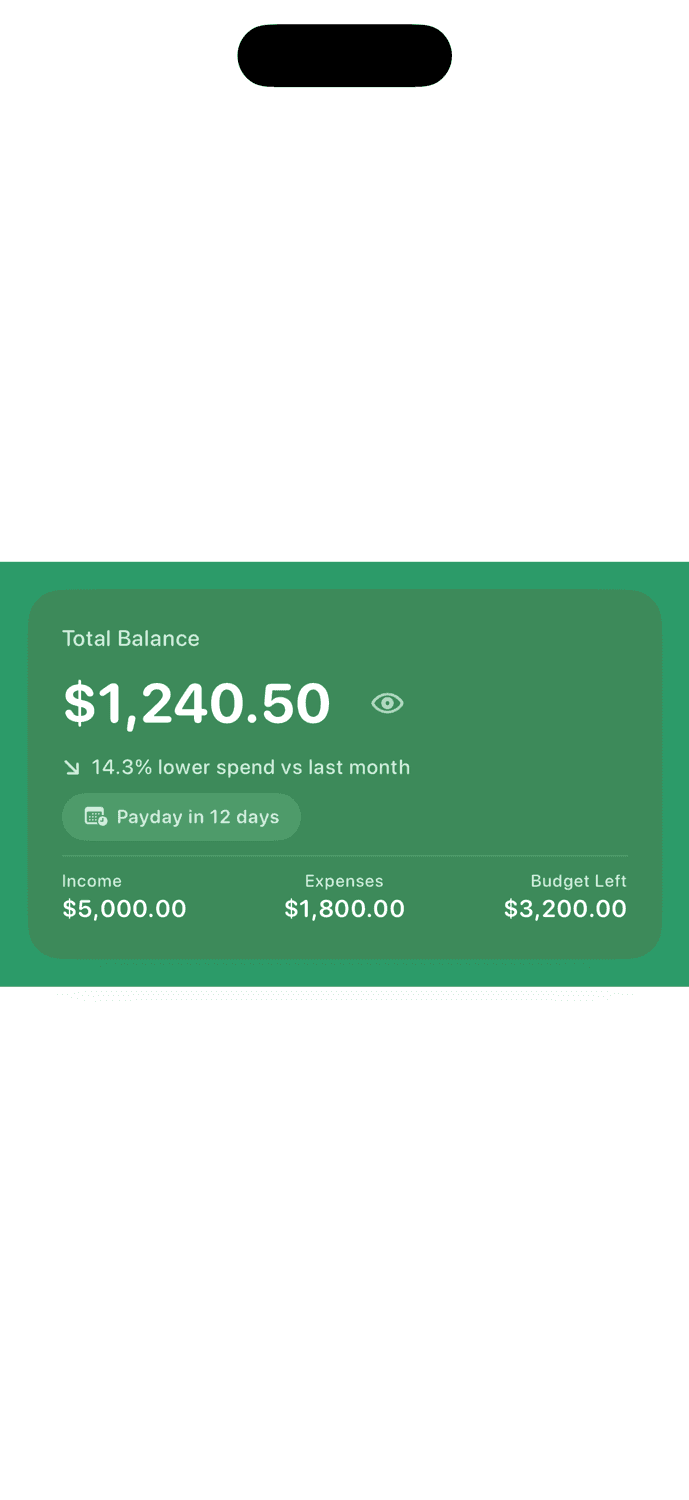
Safe-to-spend should be the first thing you see.
Oro turns messy transaction history into one calm answer: how much you can spend today without losing control of the month.
- Your safe-to-spend amount is the first thing you see
- Budget progress and recent activity in a single glance
- Clean, consistent number formatting throughout
How it works
One simple rhythm from capture to clarity.
Capture in the moment, let Oro organize the details, and come back to a clean answer whenever you need it.
Capture in the moment
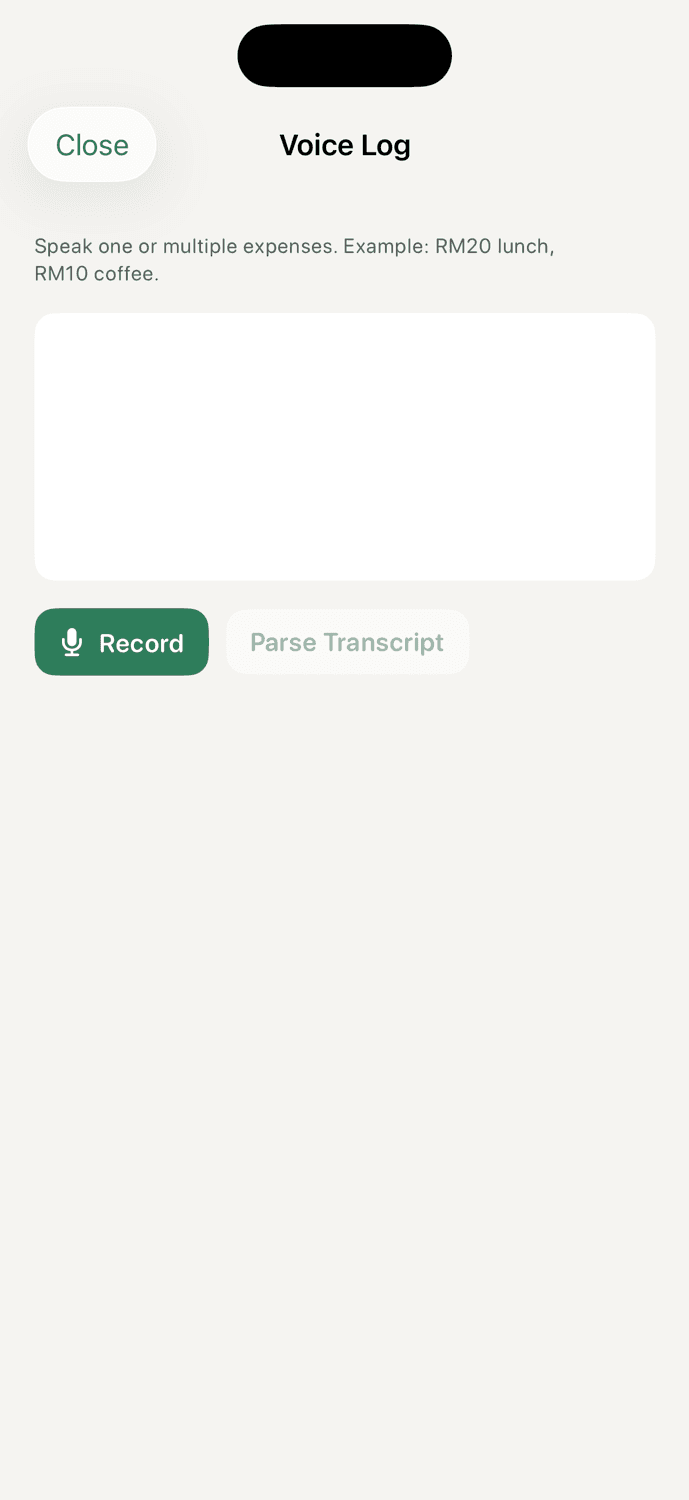
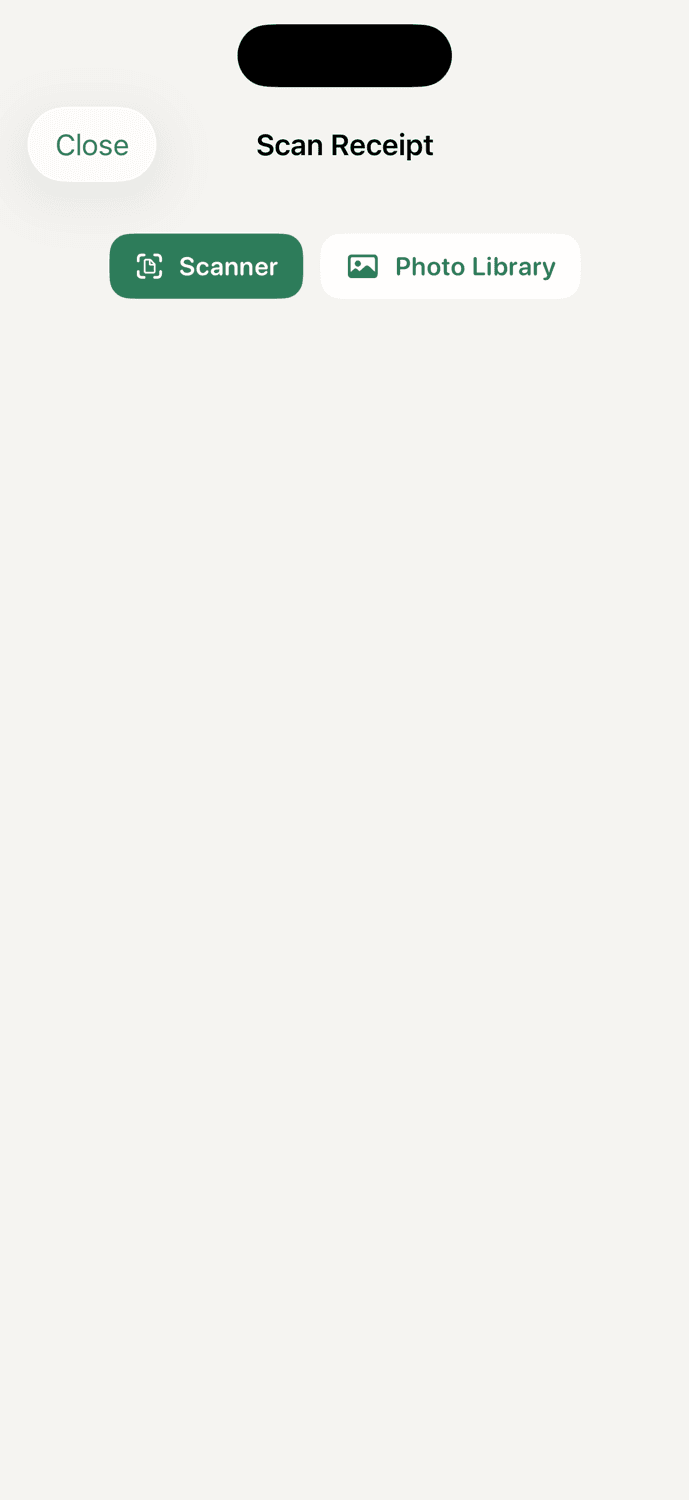
Use voice, receipt scan, or a fast manual entry when you need it.
Let Oro organize it
Amounts, merchants, categories, and monthly context come together automatically.
Act with clarity
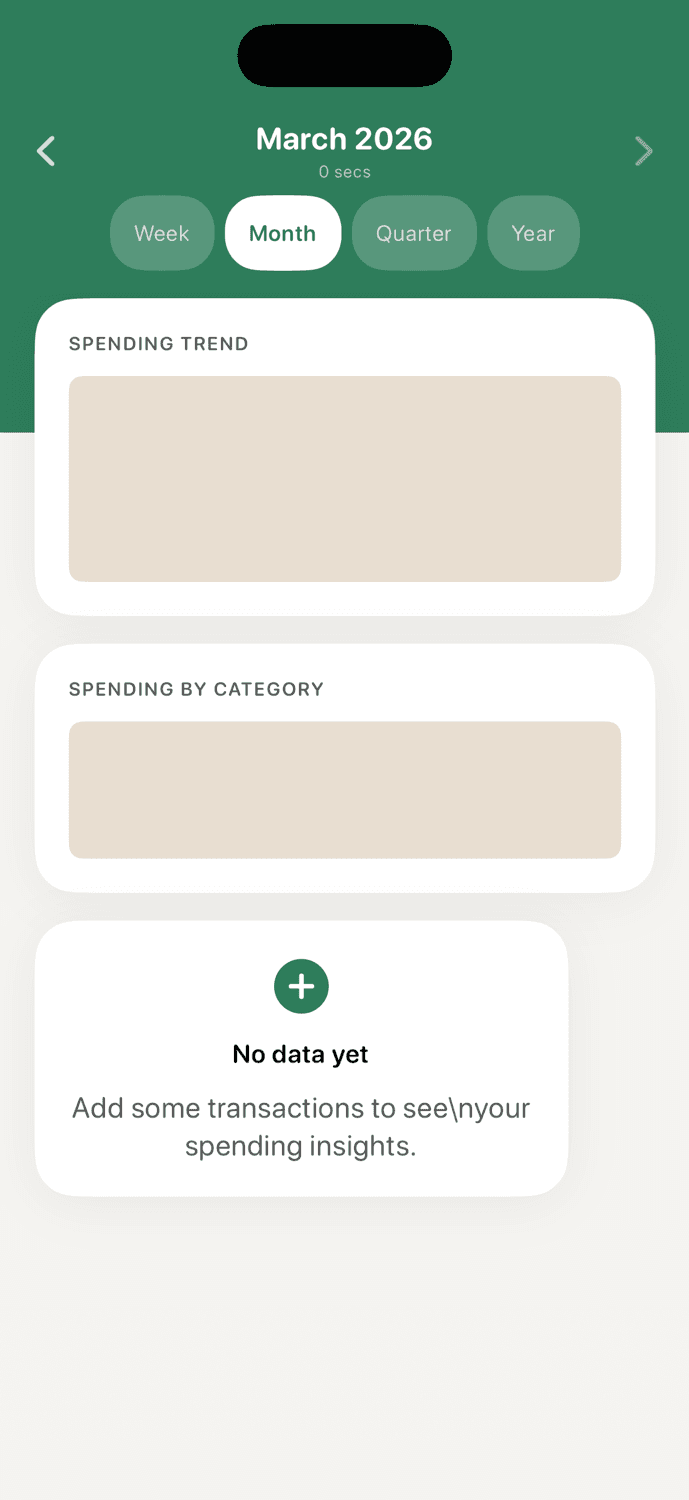
Open the app and see what is safe to spend, what needs attention, and what changed this month.
Privacy
Your money, your data. No exceptions.
Oro is built around privacy from the ground up. No ads, no data selling, no compromises. Your financial information stays where it belongs — with you.
Your data is yours
No ads, no data brokers, no third-party analytics. Your financial data stays on your device and in your personal iCloud account.
Designed for iPhone first
Native iOS app with refined layouts, strong typography, and interactions that feel right at home on your iPhone.
Built for daily life in motion
27 currencies, 7 languages, and quick capture for busy people who move between cities, accounts, and currencies.
FAQ
Quick answers before you download.
Everything you need to know about getting started with Oro.
Is Oro built for iPhone only?+
Yes. Oro is a native iPhone app built with iOS-first design, privacy, and performance. An Android version is not currently planned.
Do I need an account to get started?+
No. Just download and start logging. Oro works fully offline with iCloud sync. An optional Pro plan adds cloud sync and unlimited AI features.
Can I really log expenses by voice or by scanning receipts?+
Yes. Tap the mic and say your expense naturally, or point your camera at a receipt. Oro extracts the amount, merchant, and category automatically.
Is my financial data private?+
Yes. Your data stays on your device and in your personal iCloud. Oro has no ads, no data brokers, and no third-party analytics.
What is included in the free plan?+
The free plan includes unlimited voice logging and receipt scanning, 2 accounts, 3 budgets, 2 goals, 15 custom categories, 5 recurring rules, 3 months of reports, iCloud sync, and 3 AI questions per month. Generous enough to track your finances daily.
What does Oro Pro add?+
Oro Pro ($9.99/month or $89.99/year) unlocks unlimited AI questions, AI financial plans, personalized recommendations, Supabase cloud sync, and a web dashboard. It is built for people who want AI-powered insight without limits.
Does Oro work with 27 currencies?+
Yes. Oro supports 27 currencies and 7 languages. You can switch currencies per transaction, making it ideal for people who travel or live across borders.
Does Oro connect to my bank account?+
No. Oro does not link to any bank account. You log transactions manually, by voice, or by scanning receipts. This is a deliberate privacy decision — your bank credentials never leave your phone.
Coming soon
Be first in when Oro launches.
One email. No spam. Just the launch notification.
No spam. Unsubscribe anytime.